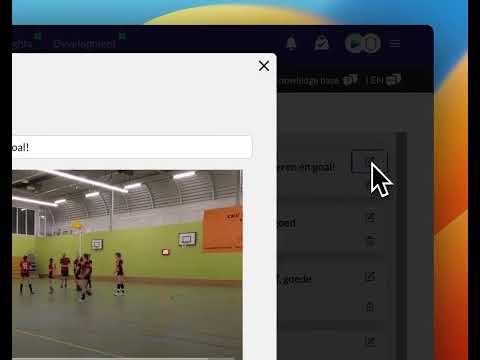
How to download a playlist
Updated on 18 Sep 2026
How do you Download a playlist?
A Playlist is a list of video clips. These clips can cover multiple matches.
You can Download a Playlist so that all these clips are stored on your own computer or phone.
Click the "Playlists" Menu option and choose the Playlist you want to watch/download.
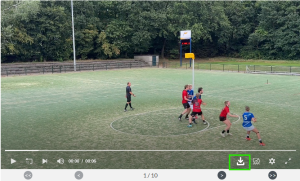
A Download icon will now appear at the bottom of the video player. See the image below.
A window will appear where you can select the clips you want to download. You can also select all of them by checking or unchecking the top checkbox.
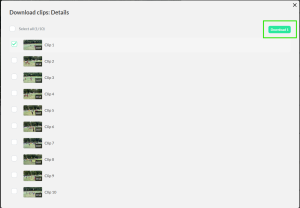
The selected clips will be saved as a ZIP archive on your computer.
On most computers, you can extract this file by clicking it. You will then see a folder named after the Playlist containing all the clips from the playlist.
What if the file cannot be extracted?
Check whether you can Download or get a program from the App Store for your computer (Windows or macOS) to extract ZIP files.
What can I use it for?
- Some trainers/coaches like to send a number of clips to players via WhatsApp
- You can import the clips into other Video Analysis software
- If matches are extensively tagged, a player can Download ALL of their own GOALS at the end of the season. How cool is it to keep them forever!