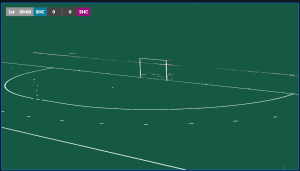
Set up overlays in VMix and OBS
Updated on 07 Aug 2026
How to Connect and Control the Broadcast Overlay
In OBS or vMix, use interact on the browser layer, go to Match Overview and click the Broadcast icon.
Image
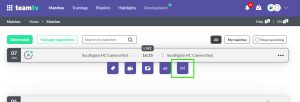
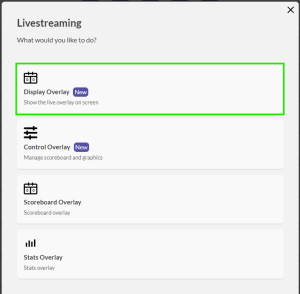
Select Display Overlay.
Image
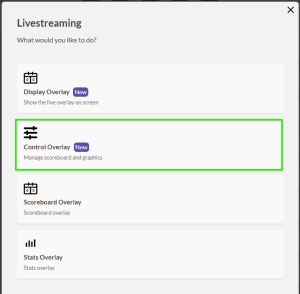
On another device or browser, open the Broadcast Panel for the same match. But here Select Control Overlay.
Image
The Overlay and control page should now be connected.
Image
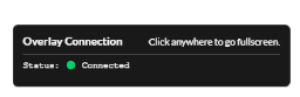
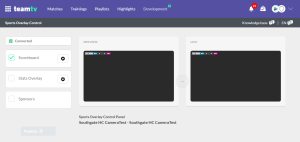
Use the control page to manage what appears on screen in OBS or vMix.
You can also change the Team colors or Team shortcodes here.
Image
Image